
Voer het volledige probleem in
Fotografeer de vraag of schrijf die in je eigen woorden, inclusief alle instructies en gegeven waarden.
Van vastlopen naar zelfstandig oplossen
Eqora laat meer zien dan een resultaat. De app helpt je de juiste opgave vast te leggen, de aanpak te begrijpen, onduidelijke stappen te onderzoeken en de methode te oefenen voordat je verdergaat.

Het proces
Gebruik de hele reeks wanneer je iets nieuws leert, of spring naar de fase die past bij het probleem van vandaag.
Fotografeer de vraag of schrijf die in je eigen woorden, inclusief alle instructies en gegeven waarden.
Lees de oplossing als een korte les en herken de regel achter elke belangrijke stap.
Vraag om meer detail, een andere methode, een grafiek of een eenvoudiger voorbeeld wanneer iets niet klopt.
Maak een oefening, sluit de app en los een vergelijkbare opgave op zonder naar de oplossing te kijken.
01 · Duidelijk vastleggen
Een ontbrekende instructie of een onleesbare exponent kan de hele oplossing veranderen. Geef Eqora genoeg context om te begrijpen wat de vraag echt vraagt.

02 + 03 · Begrijpen en vragen
Vertraag de uitleg precies waar de logica niet meer vanzelfsprekend voelt. Een precieze vraag verandert een afgerond antwoord in bruikbare uitleg.

04 · Doelgericht oefenen
Quiz en flashcards helpen zwakke punten te vinden, maar de echte test is of je een gerelateerd probleem zelf kunt oplossen.

Het proces van Eqora
Een goed proces wisselt af tussen het echte blad, de uitleg en zelfstandig oefenen. De app ondersteunt die reeks zonder te doen alsof het scherm al het leren is.

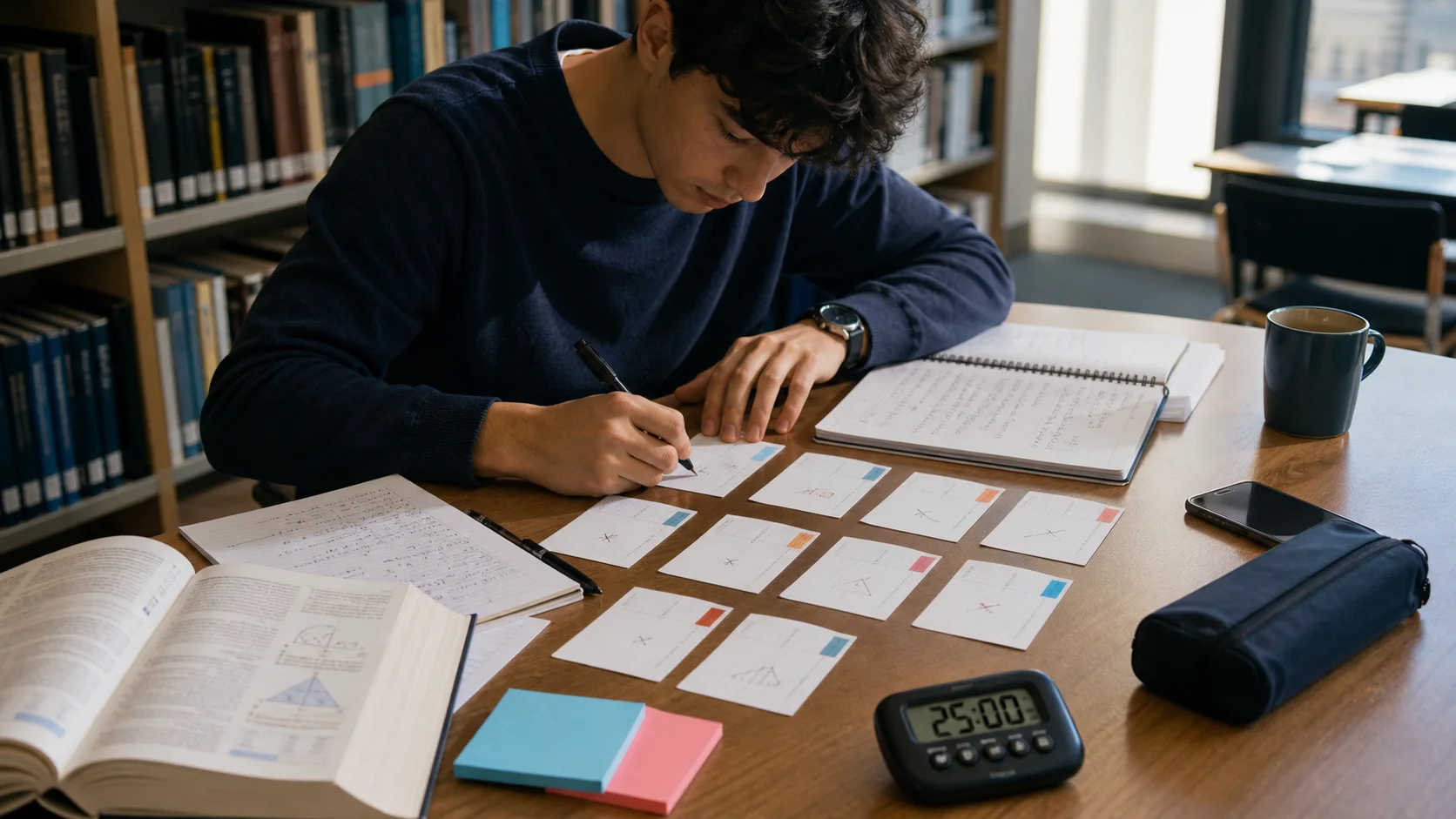
Een studiesessie van twintig minuten
De precieze tijd hangt af van de opgave, maar deze indeling houdt uitleg en oefening bij elkaar. Het is een praktisch ritme voor huiswerk of examenvoorbereiding.
Lees het doel, noteer wat je al weet en begin zonder hulp. Markeer de eerste regel waar je niet kunt uitleggen wat daarna zou moeten gebeuren.
Gebruik Eqora precies waar je vastzit. Vraag waarom de transformatie werkt, vraag om een kleiner voorbeeld of vergelijk een andere methode voordat je verdergaat.
Verberg de uitleg. Beschrijf de methode zonder te kijken en los een vergelijkbare vraag op. Open de app alleen om te controleren of het volgende herhalingsmateriaal te vinden.
Kies het juiste instappunt
Het proces is flexibel. Eqora verbindt vier gerichte gebieden zodat je kunt wisselen zonder de context van wat je leert te verliezen.
Leg een oefening van een blad, boek of schrift vast.
Ontdek Scan & Solve →Beschrijf wat onduidelijk is en ga door met vervolgvragen.
Ontdek de tutor met AI →Herhaal het onderwerp voordat je teruggaat naar oefeningen.
Ontdek Leer wiskunde →Gebruik rekenmachines en omrekentools samen met de tutor.
Ontdek wiskundetools →AI gebruiken met oordeel
Eqora is een leermiddel, geen garantie. Jij blijft onderdeel van het denken van begin tot eind.
Bevestig de vergelijking, operatoren, exponenten en instructies voordat je de volgende stappen vertrouwt.
Controleer tekens, eenheden, domeinen en eindwaarden. Vooral bij werk dat wordt beoordeeld.
Gebruik Eqora voor toegestaan leren en tutorhulp, nooit om regels voor academische integriteit te omzeilen.
Good to know
Praktische details over ingevoerde opgaven, vervolgvragen, gebruikslimieten en betrouwbaarheid.
Je kunt snel beginnen. Een account helpt bij functies zoals doorlopende toegang en het herstellen van aankopen; de app toont het huidige inlogproces.
Houd het volledige probleem zichtbaar, gebruik scherpe focus en gelijkmatig licht, vermijd reflecties en snijd nabije oefeningen weg. Controleer of breuken, exponenten en tekens goed leesbaar zijn.
Ja. Vervolgvragen staan centraal in het proces. Vraag over een onduidelijke stap, vraag om een andere methode of een vergelijkbaar probleem om te oefenen.
Eqora kun je gratis downloaden; AI-functies kunnen gebruikslimieten hebben. Premium verhoogt de beschikbare limieten. De app toont de huidige rechten en aankoopdetails voordat je je abonneert.
Ja. AI kan een opgave verkeerd lezen of redeneer- en rekenfouten maken. Controleer de herkende opgave en belangrijke resultaten en volg de regels van je school.