
Abra Ferramentas
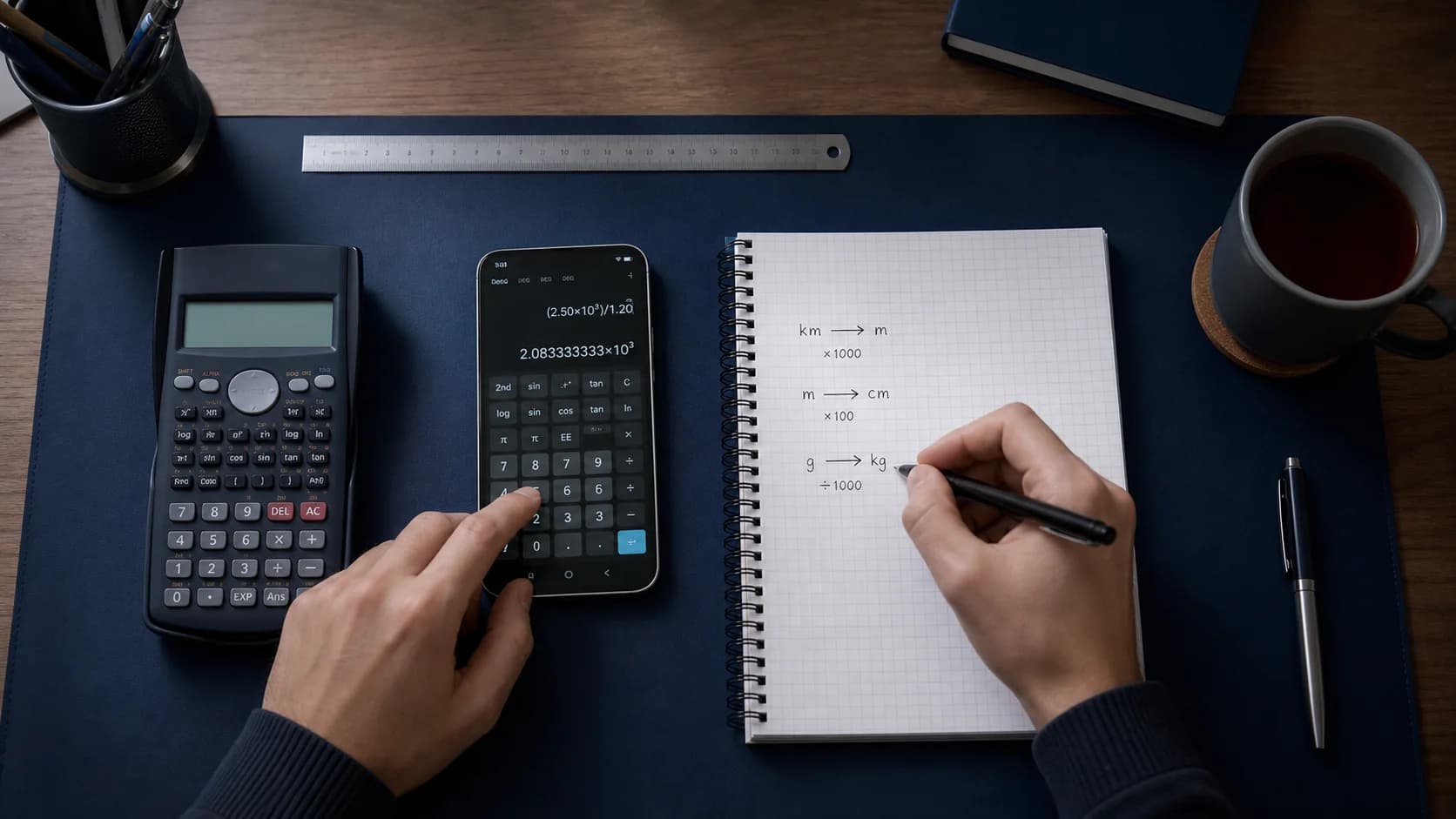
Vá até a calculadora ou um conversor quando precisar de um cálculo rápido entre passos de tutoria.
Ferramentas de matemática
Use calculadora científica, conversor de unidades, conversor de moedas e calculadora de porcentagem no mesmo app do seu tutor de matemática com IA.
Como funciona
O Eqora foi pensado para levar você do exercício à compreensão, sem transformar a experiência em uma sequência de respostas prontas.
Vá até a calculadora ou um conversor quando precisar de um cálculo rápido entre passos de tutoria.
Use a calculadora científica para expressões que precisam de uma avaliação confiável.
Troque unidades, confira porcentagens ou converta moedas sem sair do Eqora.
Tudo à mão
Use cálculos cotidianos e científicos junto à tutoria para incluir a verificação numérica na mesma sessão de estudo.
Em um contexto real de aprendizado
A história de produto mais útil inclui o problema original, o trabalho de raciocínio e a ação independente depois. Só mais uma tela de celular não conta isso.



Nem toda pergunta precisa de uma explicação completa com IA. Às vezes você só precisa de uma calculadora limpa, uma conversão de unidades ou uma checagem de porcentagem enquanto estuda. O Eqora mantém essas ferramentas ao lado do Scan & Solve e do tutor de matemática com IA.
Isso significa menos troca de apps durante a lição: fotografe um problema, faça uma pergunta e depois confira um cálculo em Ferramentas.
Use Ferramentas para cálculo aritmético, mudanças de unidade e checagens rápidas. Use o tutor de IA quando precisar de um método, de um exemplo resolvido ou de uma explicação de por que um passo é válido.
Gráficos e materiais de estudo mais completos estão disponíveis na tutoria quando uma representação visual ou uma lista de exercícios ajuda mais do que uma calculadora.
A ideia do produto Eqora é simples: um app para iOS para escanear problemas, conversar para entender, aprender temas e lidar com cálculos do dia a dia.
Estudantes se preparando para provas podem alternar entre esses modos sem perder o fio de uma sessão de estudo.
Hábitos de estudo que viajam com você
Se você conhece o ponto exato em que trava, a resposta permanece focada e a explicação fica mais fácil de avaliar.
Se o primeiro método não fizer sentido, peça uma explicação mais detalhada, outro exemplo ou outra abordagem.
Confira sinais, unidades e condições importantes e teste o método com um problema sozinho.
Ir mais a fundo

Entenda como funcionam o solucionador por foto, a tutoria passo a passo e as ferramentas de estudo do Eqora.
Ler guia →
Um plano de sessão realista para terminar a lição de casa sem perder o aprendizado.
Ler guia →
Veja quando o gráfico de uma função esclarece a próxima etapa da resolução.
Ler guia →Good to know
Respostas sobre o que o recurso faz, onde encaixa e como usá-lo com responsabilidade.
Sim. O Eqora inclui ferramentas de calculadora junto com conversores de unidades, moedas e porcentagens.
As ferramentas principais fazem parte da experiência do app. Limites de mensagens e fotos de IA ainda podem se aplicar às funções de tutoria; os detalhes atuais aparecem no app.
Cálculos locais funcionam no app. Cotações de moeda ao vivo precisam de conexão de rede quando o app busca taxas atualizadas.
Não. A calculadora e os conversores ficam ao lado do Scan & Solve, do tutor de matemática com IA e de Aprender matemática para que o Eqora funcione como uma ajuda completa com a lição de casa.