
Ouvre Outils
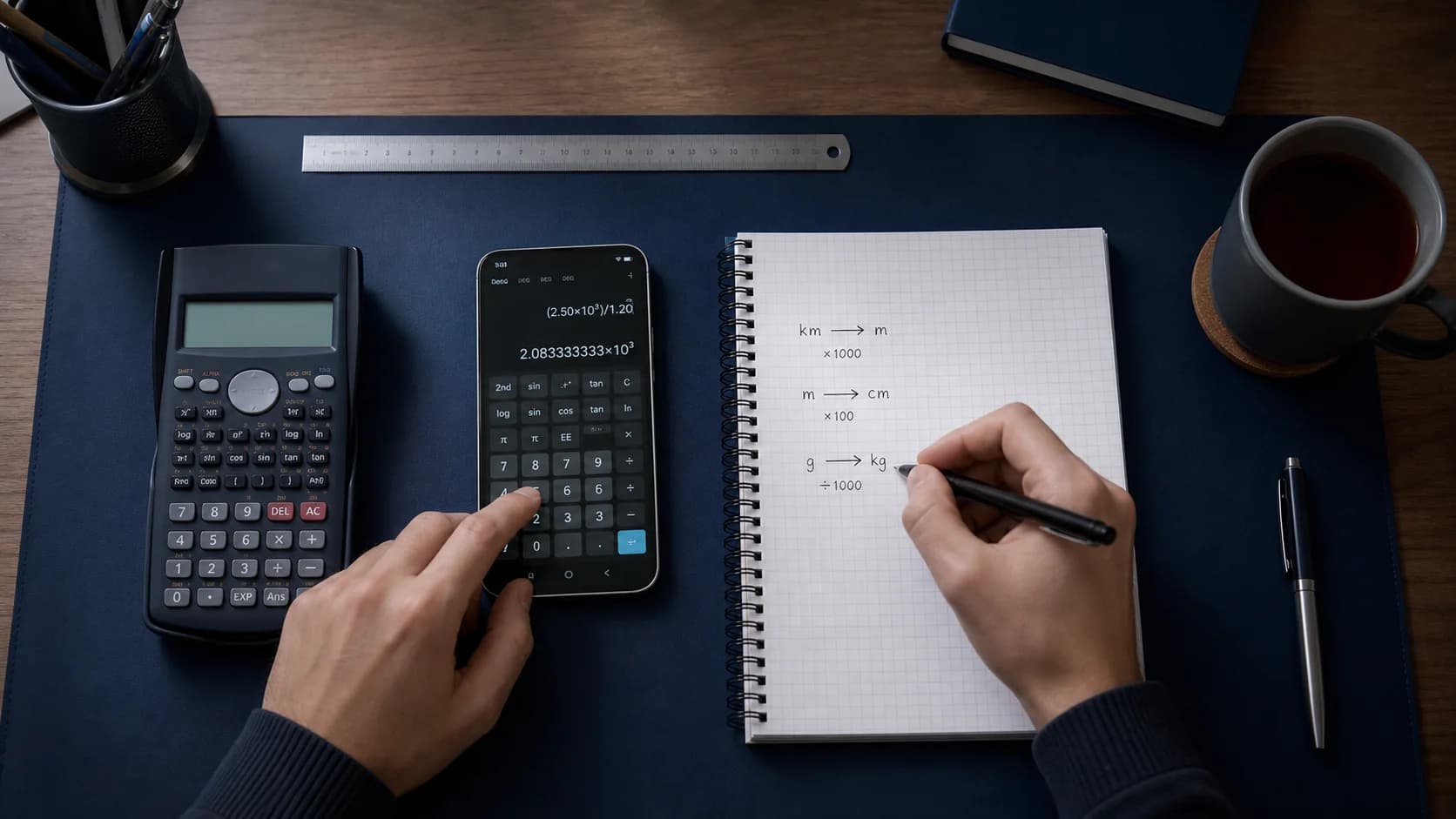
Passe à la calculatrice ou à un convertisseur quand tu as besoin d’un calcul rapide entre deux étapes de tutorat.
Outils maths
Utilise une calculatrice scientifique, des convertisseurs d’unités et de devises ainsi qu’un calculateur de pourcentages dans la même application que ton aide aux devoirs avec IA.
Comment ça marche
Eqora t’accompagne du problème saisi jusqu’à sa compréhension, sans se contenter d’afficher une réponse toute faite.
Passe à la calculatrice ou à un convertisseur quand tu as besoin d’un calcul rapide entre deux étapes de tutorat.
Utilise la calculatrice scientifique pour les expressions qui demandent une évaluation fiable.
Change d’unités, vérifie des pourcentages ou convertis des devises sans quitter Eqora.
Tout sous la main
Utilise les calculs courants et scientifiques à côté du tuteur afin d’intégrer la vérification numérique à la même séance de travail.
Dans un vrai contexte d’apprentissage
L’essentiel se joue entre le problème d’origine, le raisonnement et l’exercice autonome qui suit. Les exemples montrent donc tout le parcours d’apprentissage, pas seulement un écran supplémentaire.


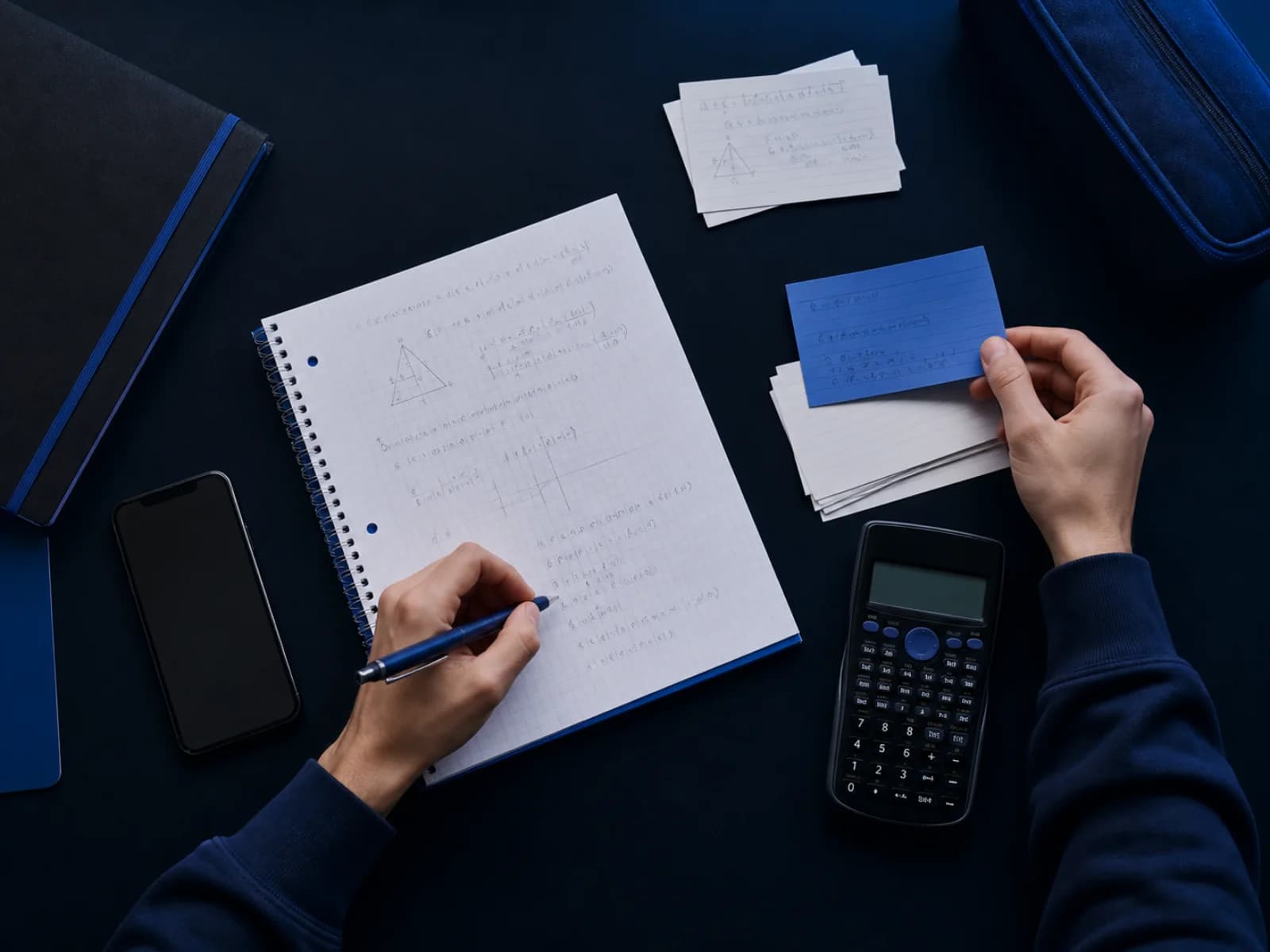
Toutes les questions n’exigent pas une explication complète de l’IA. Parfois, une calculatrice claire, une conversion d’unités ou un calcul de pourcentage suffit. Eqora garde ces outils à côté de Scan & Solve et du tuteur IA.
Moins de changements d’application pendant les devoirs : photographie un problème, pose une question, puis vérifie un calcul dans Outils.
Utilise Outils pour évaluer une expression, changer d’unités et faire des vérifications rapides. Utilise le tuteur IA quand tu as besoin d’une méthode, d’un exemple résolu ou d’une explication sur pourquoi une étape est valide.
Les graphiques et les outils de révision sont disponibles dans le parcours du tuteur lorsqu’une représentation visuelle ou une série d’exercices est plus utile qu’un simple calcul.
Le principe d’Eqora est simple : réunir dans une application iOS le scanner de problèmes, les explications, les thèmes de révision et les calculs du quotidien.
Pour préparer un examen, tu peux passer d’un mode à l’autre sans perdre le fil de ta séance d’étude.
Des habitudes utiles pour chaque exercice
Si tu connais le point exact où tu bloques, la réponse reste ciblée… et l’explication est plus facile à évaluer.
Si la première méthode reste difficile à suivre, demande une explication plus lente, un autre exemple ou une autre approche.
Contrôle les signes, les unités et les conditions importantes, puis vérifie la méthode avec un problème résolu seul.
Aller plus loin

Une présentation claire du solveur photo, de l’accompagnement étape par étape et du rôle d’Eqora.
Lire le guide →
Un programme de séance réaliste pour terminer les devoirs sans sacrifier la compréhension.
Lire le guide →
Quand une image de la fonction rend l’étape suivante des devoirs évidente.
Lire le guide →Good to know
Réponses sur ce que fait la fonction, quand l’utiliser et comment en faire un usage responsable.
Oui. Eqora inclut des outils de calculatrice ainsi que des convertisseurs pour les unités, les devises et les pourcentages.
Les outils de base font partie de l’application. Des limites peuvent néanmoins s’appliquer aux messages IA et aux résolutions par photo ; les informations actuelles s’affichent dans l’application.
Les calculs locaux fonctionnent dans l’application. Les taux de change en direct nécessitent une connexion lorsque l’application récupère les données à jour.
Non. La calculatrice et les convertisseurs côtoient Scan & Solve, le tuteur IA et Apprendre les maths, pour qu’Eqora fonctionne comme une aide aux devoirs complète.