

कागज़ पर सवाल है
पूरा प्रश्न दर्ज करें और पढ़ने में आसान, हल किए गए स्पष्टीकरण में बदलें।
Scan & Solve उपयोग करें →जरूरत से शुरू करें
हर अध्ययन सत्र में हर सुविधा की ज़रूरत नहीं। सामने के प्रश्न का उत्तर देने वाला उपकरण चुनें, और अगला चरण केवल तब जोड़ें जब वह सीखने में मदद करे।
पूरा प्रश्न दर्ज करें और पढ़ने में आसान, हल किए गए स्पष्टीकरण में बदलें।
Scan & Solve उपयोग करें →ठीक वहाँ पूछें जहाँ तर्क कूदता है और ट्यूटर बातचीत जीवित रखें।
AI ट्यूटर पर जाएँ →विषय समीक्षा करें, उदाहरण से जोड़ें, फिर तैयार होकर होमवर्क पर लौटें।
गणित सीखें देखें →अध्ययन प्रवाह छोड़े बिना गणना, रूपांतरण या प्रतिशत जाँच करें।
सभी गणित उपकरण देखें →वास्तविक अध्ययन क्षणों के लिए
Eqora आपके सामने के काम से मेल खाना चाहिए: घर की शीट से लेकर पुस्तकालय में अवधारणा रिवीज़न तक।

पूरा सवाल दर्ज करें और व्याख्या को ठीक वहाँ संरेखित करें जहाँ आपका खुद का प्रयास अटका है।

पूछें कि चरण क्यों लागू होता है, दूसरे पथ की तुलना करें, और छिपे तर्क को फिर समझाई जा सकने वाली चीज़ में बदलें।
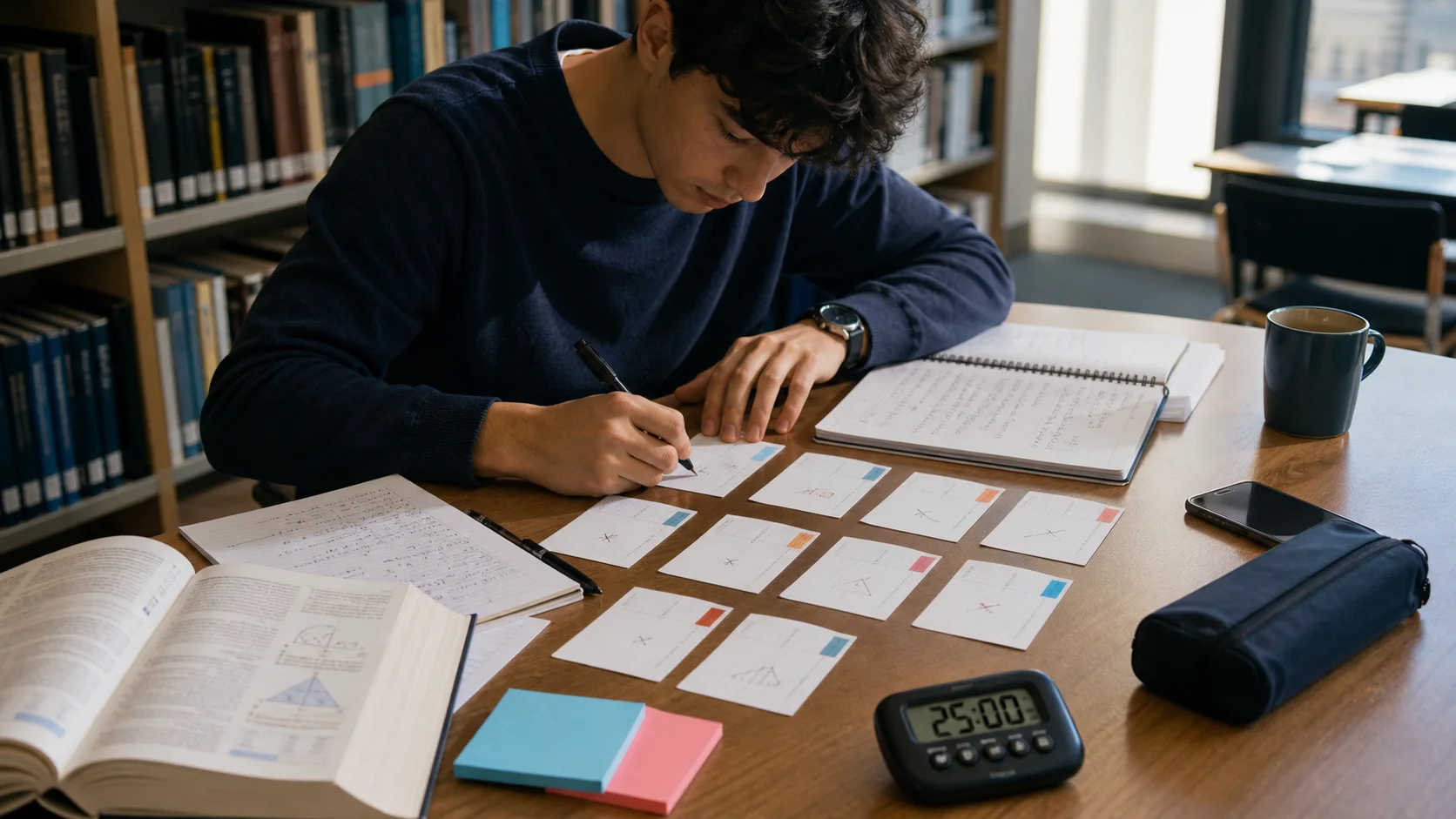
अवधारणा समीक्षा, ठोस क्विज़ और अंतिम अकेले प्रयास से देखें कि परीक्षा दिन से पहले क्या सच में जमता है।
व्यवहार में एक अध्ययन सत्र
Eqora के साथ एक अच्छा चक्र वास्तविक प्रयास से शुरू होता है और दोहराई जा सकने वाली विधि पर खत्म होता है। ऐप तब अधिक मदद करता है जब हर उपकरण का स्पष्ट काम हो, न कि ध्यान के लिए प्रतिस्पर्धा।

सभी सुविधाएँ देखें
Eqora के हर हिस्से का स्पष्ट काम है। मिलकर वे अटके सवाल से स्वतंत्र अभ्यास तक ले जाते हैं।
Scan & Solve
Eqora आपके होमवर्क की फ़ोटो पढ़ता है और समाधान को चरण-दर-चरण समझाता है — अंकगणित से लेकर कैलकुलस तक।
AI गणित ट्यूटर
गणित का प्रश्न टाइप करें या स्कैन किए प्रश्न से जारी रखें। Eqora विधि समझाता है, आगे के प्रश्नों के उत्तर देता है, और परिणाम समझने में मदद करता है — सिर्फ़ नकल नहीं।

गणित सीखें
बीजगणित, ज्यामिति, त्रिकोणमिति, कैलकुलस और अधिक देखें। Eqora का गणित सीखें अनुभाग होमवर्क में आने से पहले विषयों का अध्ययन करने में मदद करता है।

गणित उपकरण
अपने AI गणित होमवर्क सहायक वाले उसी ऐप में वैज्ञानिक कैलकुलेटर, इकाई कनवर्टर, मुद्रा कनवर्टर और प्रतिशत कैलकुलेटर इस्तेमाल करें।
Eqora अध्ययन चक्र
सबसे अच्छा अध्ययन सत्र उत्तर आने पर नहीं खत्म होता। वह तब खत्म होता है जब आप विधि पहचानते हैं और दोहरा सकते हैं।
पहले खुद सवाल आज़माएँ। ठोस प्रश्न अधिक उपयोगी व्याख्या देते हैं।
पूरा सवाल डालें और Eqora का उपयोग ठीक उस चरण पर करें जो रोक रहा है।
पूछें कि चाल क्यों लागू होती है, पीछे कौन सा नियम है, और क्या दूसरा दृष्टिकोण है।
क्विज़, फ्लैशकार्ड या मिलता-जुलता सवाल उपयोग करें… और अकेले प्रयास से समाप्त करें।
आधार से उन्नत विषयों तक
Eqora परिचित प्रवाह के साथ हाई स्कूल और विश्वविद्यालय के सामान्य गणित विषयों का समर्थन कर सकता है।
पहला समाधान शुरुआती बिंदु है। गायब विचार वास्तविक लगे तब तक आगे के प्रश्न पूछें।
परिवर्तन, मूल और चरम अधिक आसानी से दिखें — इसके लिए Eqora से ग्राफ़ माँगें।
ठोस क्विज़ या फ्लैशकार्ड बनाएँ… फिर मिलते-जुलते सवाल पर खुद लौटें।
सहायता का मूल्य बाद में क्या होता है उससे आँकें
लक्ष्य Eqora पर अधिक देर रोकना नहीं। बल्कि अगला तर्क, अगला अभ्यास और अगला अध्ययन निर्णय अधिक स्वतंत्र बनाना है।
व्याख्या के बाद: वह नियम या संरचना नाम दें जिसने समाधान संभव बनाया। अगर विधि का नाम नहीं, समझ अभी नाज़ुक हो सकती है।
मिलता-जुलता सवाल दिखाता है कि आप दोहराई जा सकने वाली पैटर्न सीखे… या सिर्फ हल किए उदाहरण का अनुसरण किया। मान, संकेतन या संदर्भ बदलें, लेकिन मूल विचार रखें।
अच्छी ट्यूटरिंग गायब पूर्व-आवश्यकताएँ दिखाती है, छिपाती नहीं। अगर उलझन एक बीजगणित चरण से बड़ी हो तो अवधारणा पाठ पर लौटें।
Good to know
सुविधाओं, विषयों और उपलब्धता का सार।
हाँ। Scan & Solve से आप छपे या साफ़ हाथ से लिखे गणित अभ्यास की फ़ोटो लेते हैं, पहचाने गए प्रश्न की समीक्षा करते हैं, फिर चरण-दर-चरण व्याख्या से आगे बढ़ते हैं।
हाँ। ट्यूटर प्रवाह में आप जारी रख सकते हैं: पूछें कि एक चरण क्यों लागू होता है, धीमी व्याख्या माँगें, दूसरी विधि की तुलना करें, या संबंधित अभ्यास बनाएँ।
Eqora व्यापक कवरेज के लिए बना है: अंकगणित, बीजगणित, फ़ंक्शन, ज्यामिति, सांख्यिकी, त्रिकोणमिति और कैलकुलस आदि। परिणाम सवाल और फ़ोटो गुणवत्ता पर भिन्न हो सकते हैं।
नहीं। Eqora संगत iPhone और iPad के लिए iOS ऐप है। यह साइट उत्पाद समझाती है और App Store की ओर निर्देशित करती है।