

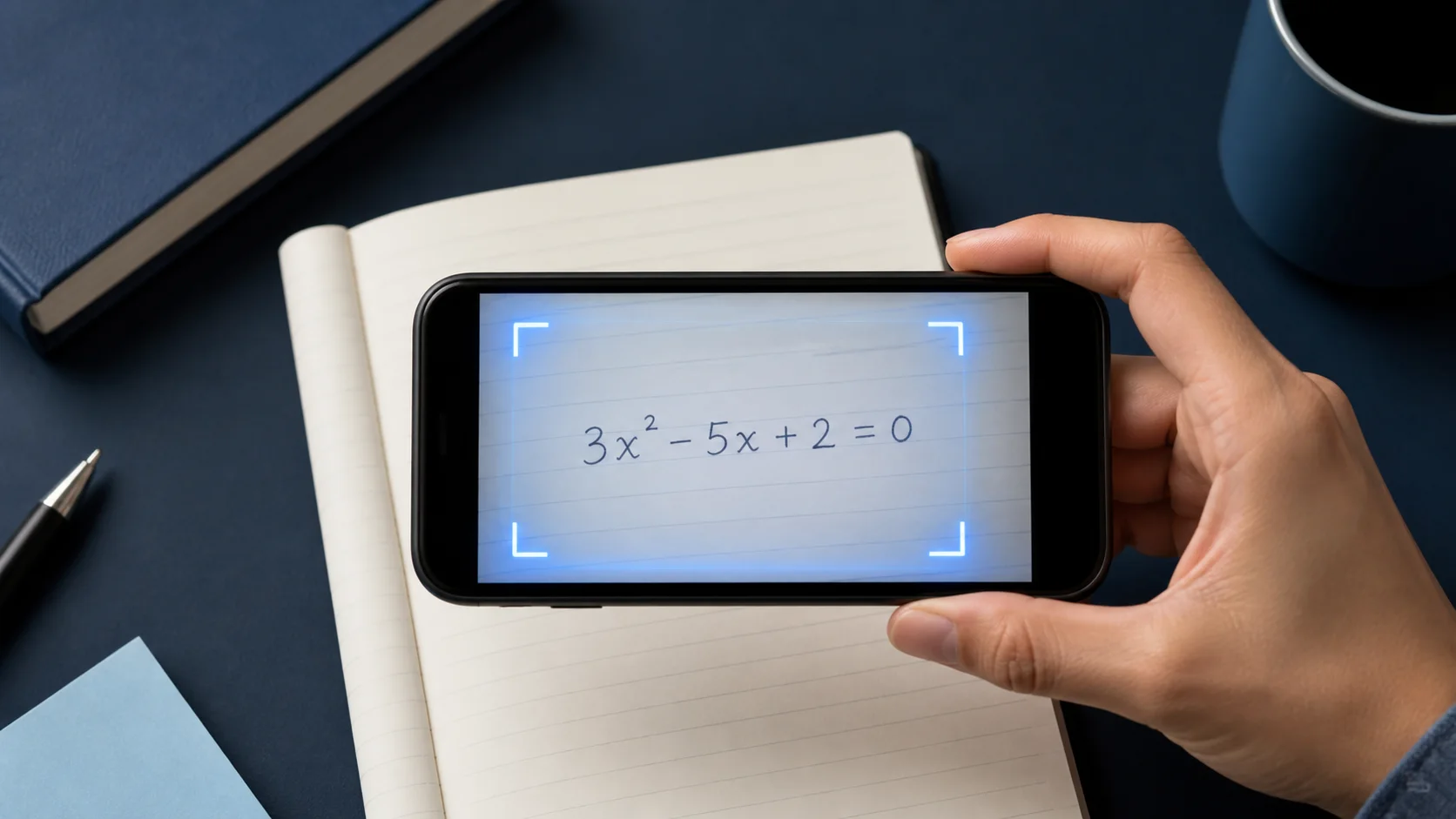
प्रश्न की फ़ोटो लें
समीकरण या शब्द समस्या की फ़ोटो ऐसे लें कि पूरा प्रश्न तेज़ और पढ़ने योग्य हो।
कैसे काम करता है
Eqora आपको सवाल से समझ तक ले जाता है — उत्तर में डूबने नहीं देता
समीकरण या शब्द समस्या की फ़ोटो ऐसे लें कि पूरा प्रश्न तेज़ और पढ़ने योग्य हो।
ठीक उसी प्रश्न को फ्रेम करें जिसकी मदद चाहिए, ताकि Eqora सही सवाल पर ध्यान दे।
विधि पढ़ें, आगे के प्रश्न पूछें, और तब तक जारी रखें जब तक तरीका समझ न आ जाए।

बेहतर पहला कदम
पूरा सवाल लाएँ, देखें Eqora उसे कैसे पढ़ता है, फिर अपनी गति से तर्क का पालन करें
वास्तविक अध्ययन सत्र में
सबसे उपयोगी उपयोग में मूल सवाल, सोची हुई गणना, और उसके बाद स्वतंत्र अभ्यास शामिल होते हैं। सिर्फ एक और फ़ोन स्क्रीन यह सब नहीं बताती

छात्रों को अक्सर प्रिंटेड वर्कशीट, नोटबुक पेज या पाठ्यपुस्तक के अभ्यास में मदद चाहिए। Eqora का Scan & Solve फ्लो उसी पल के लिए है: कैमरा खोलें, प्रश्न की फ़ोटो लें, और सिर्फ़ अंतिम अंक के बजाय मार्गदर्शित स्पष्टीकरण पाएँ।
जब आप असाइनमेंट के बीच में अटके हों, कक्षा से पहले अपना काम जाँच रहे हों, या क्विज़ से पहले सेट दोहरा रहे हों — तब इसे इस्तेमाल करें।
सबसे साफ़ नतीजे तब मिलते हैं जब पूरा प्रश्न दिखे, लिखावट तेज़ हो, और चमक पेज को धुंधला न करे। फ़ोन स्थिर रखें, सवाल से फ्रेम भरें, और अंकों पर भारी छाया से बचें।
उत्तर को सीखने का साधन मानें। इकाइयाँ, चिह्न, और यह जाँचें कि प्रश्न सटीक रूप, सरलीकृत रूप, या पूर्णांकित मान माँगता है या नहीं।
मज़बूत अध्ययन आदत: हर चरण पढ़ें, फिर विधि को अपने शब्दों में समझाएँ। अगर कोई चरण अस्पष्ट लगे, Eqora से आगे का प्रश्न पूछें या उसी विषय से छोटा क्विज़ बनाएँ।
Scan & Solve तब सबसे उपयोगी है जब यह होमवर्क तेज़ी से पूरा करने और अगली परीक्षा के लिए विधि याद रखने में मदद करे। यह आपके खुद के अभ्यास की जगह नहीं लेना चाहिए।
टिकाऊ अध्ययन आदतें
जब आप जानते हैं कि कहाँ अटके हैं, व्याख्या अधिक केंद्रित होती है और उसका मूल्यांकन भी आसान होता है।
अगर पहली विधि ठीक न लगे, तो धीमी व्याख्या, अलग उदाहरण या दूसरा दृष्टिकोण माँगें।
चिह्न, इकाइयाँ और शर्तें जाँचें, और एक स्वतंत्र हल किए गए सवाल से साबित करें कि विधि सच में आपकी है।
गहराई से जानें
फ़ोटो लेने से पढ़ने योग्य चरण-दर-चरण समाधान तक का व्यावहारिक फ्लो।
गाइड पढ़ें →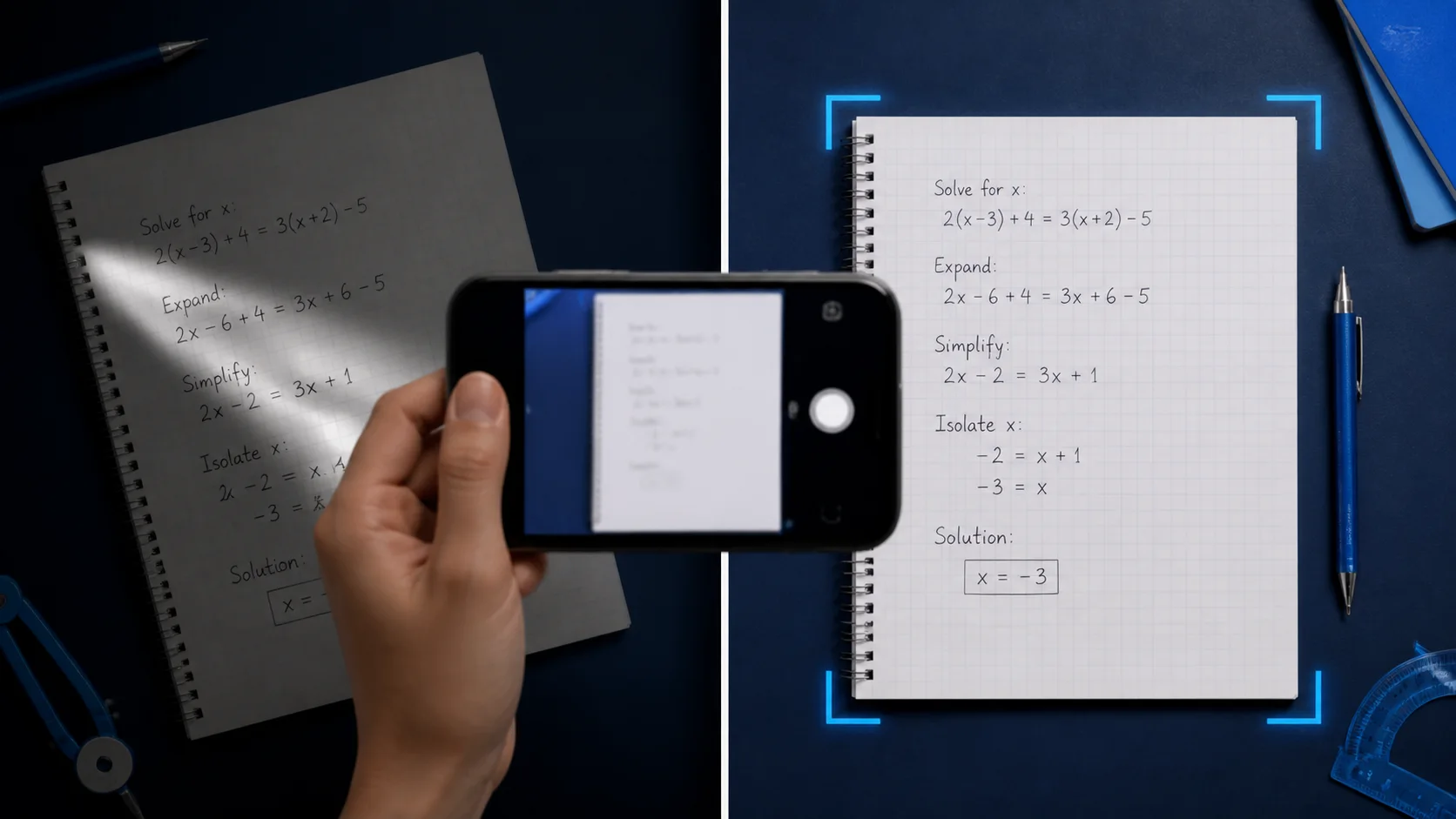
रोशनी, फ़्रेमिंग और लिखावट आदतें जो गलत पढ़ना कम करती हैं।
गाइड पढ़ें →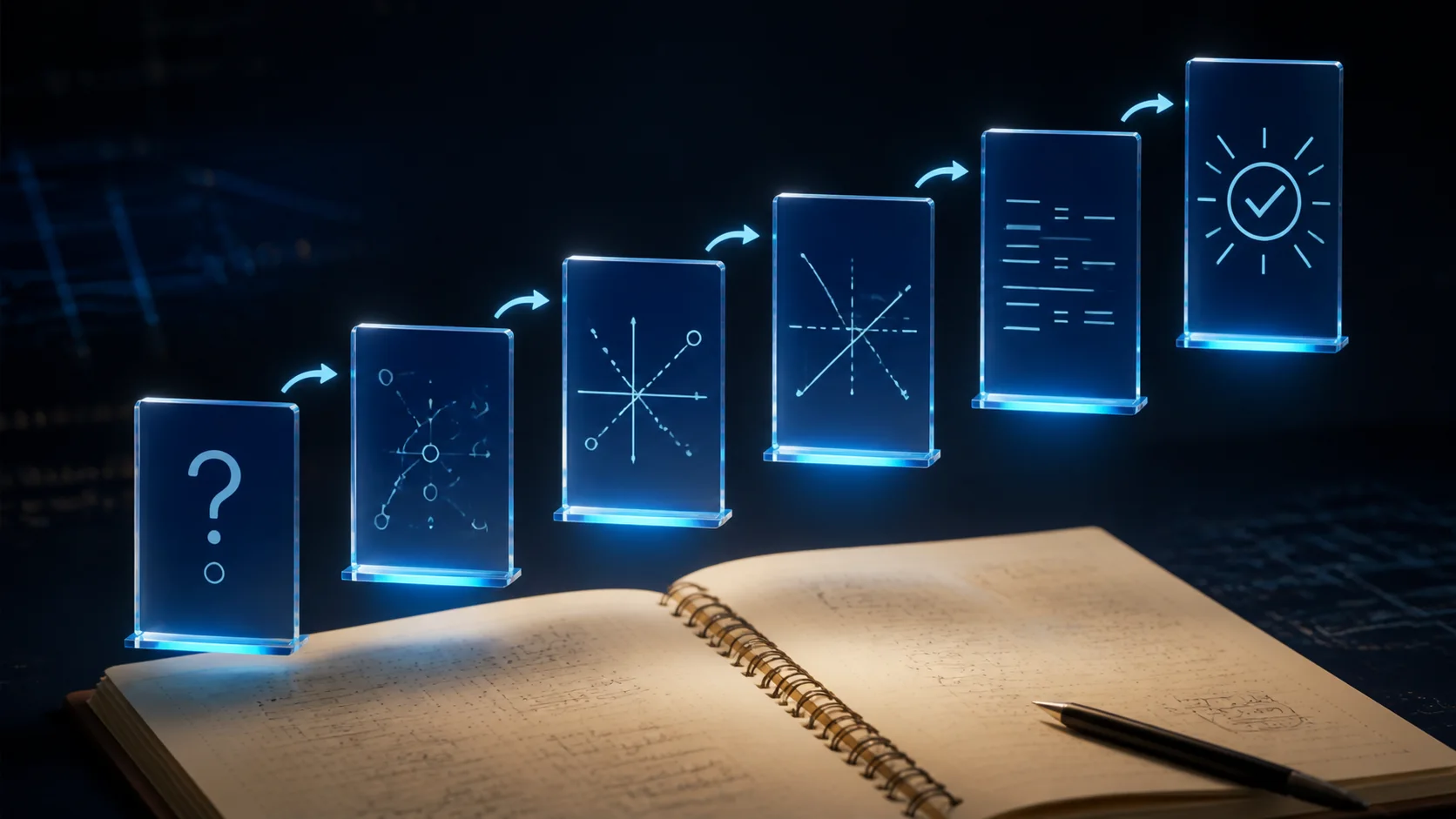
हर समाधान को बिना स्पष्टीकरण के उत्तर की बजाय छोटा पाठ बनाएँ।
गाइड पढ़ें →Good to know
सुविधा क्या करती है, कब उपयुक्त है, और ज़िम्मेदारी से कैसे उपयोग करें
हाँ। Scan & Solve से आप गणित के प्रश्न की फ़ोटो ले सकते हैं और Eqora iOS ऐप में चरण-दर-चरण स्पष्टीकरण पा सकते हैं।
कई हस्तलिखित प्रश्नों में मदद मिल सकती है जब लिखावट साफ़ हो और पूरा प्रश्न दिखे। गंदी, कटी हुई, या कम कंट्रास्ट वाली फ़ोटो गुणवत्ता घटाती हैं।
नहीं। Eqora फिलहाल केवल Apple के App Store के माध्यम से संगत iPhone और iPad डिवाइस पर उपलब्ध है।
हाँ। हल के बाद आप AI गणित ट्यूटर चैट में जारी रख सकते हैं, दूसरा स्पष्टीकरण माँग सकते हैं, या क्विज़ और फ्लैशकार्ड जैसे अध्ययन उपकरण बना सकते हैं।