

Chụp ảnh bài toán
Chụp phương trình hoặc bài toán có lời sao cho toàn bộ câu hỏi sắc nét và dễ đọc.
Cách hoạt động
Eqora đưa bạn từ câu hỏi tới hiểu — không để bạn chìm trong đáp án
Chụp phương trình hoặc bài toán có lời sao cho toàn bộ câu hỏi sắc nét và dễ đọc.
Cắt khung đúng bài bạn cần giúp để Eqora tập trung vào đúng câu hỏi.
Đọc phương pháp, hỏi thêm câu hỏi tiếp theo, và tiếp tục cho đến khi bạn hiểu cách làm.

Bước đầu tốt hơn
Đưa câu hỏi đầy đủ vào, xem Eqora đọc thế nào, rồi theo dõi lập luận theo nhịp của bạn
Trong buổi học thật
Cách dùng hữu ích nhất gồm câu hỏi gốc, phép tính đã nghĩ kỹ, và luyện độc lập sau đó. Chỉ thêm một màn hình điện thoại không giải thích hết điều đó


Học sinh thường cần trợ giúp từ phiếu in, trang vở hoặc bài tập trong sách. Luồng Scan & Solve của Eqora dành cho đúng lúc đó: mở camera, chụp ảnh bài toán, và nhận lời giải thích có hướng dẫn — không chỉ đáp số cuối.
Dùng khi bạn bị kẹt giữa bài tập, kiểm tra lại trước giờ học, hoặc ôn lại bộ bài trước câu đố.
Kết quả rõ nhất khi toàn bộ câu hỏi hiện đủ, chữ sắc nét, và ánh sáng không làm trang bị mờ. Giữ máy ổn định, lấp khung bằng bài toán, và tránh bóng đậm che số.
Hãy coi đáp án là công cụ học. Kiểm tra đơn vị, dấu, và xem câu hỏi yêu cầu dạng chính xác, dạng rút gọn, hay giá trị làm tròn.
Thói quen học tốt: đọc từng bước, rồi giải thích phương pháp bằng lời của bạn. Nếu bước nào chưa rõ, hỏi Eqora câu hỏi tiếp theo hoặc tạo câu đố nhỏ cùng chủ đề.
Scan & Solve hữu ích nhất khi giúp bạn hoàn thành bài tập nhanh hơn và nhớ phương pháp cho kỳ thi tới. Nó không thay thế việc tự luyện của bạn.
Thói quen học bền
Khi bạn biết mình bí ở đâu, giải thích tập trung hơn và cũng dễ đánh giá hơn.
Nếu phương pháp đầu không ổn, xin giải thích chậm hơn, ví dụ khác hoặc góc nhìn khác.
Kiểm tra dấu, đơn vị và điều kiện, rồi chứng minh phương pháp thực sự là của bạn bằng một câu hỏi tự giải.
Đào sâu
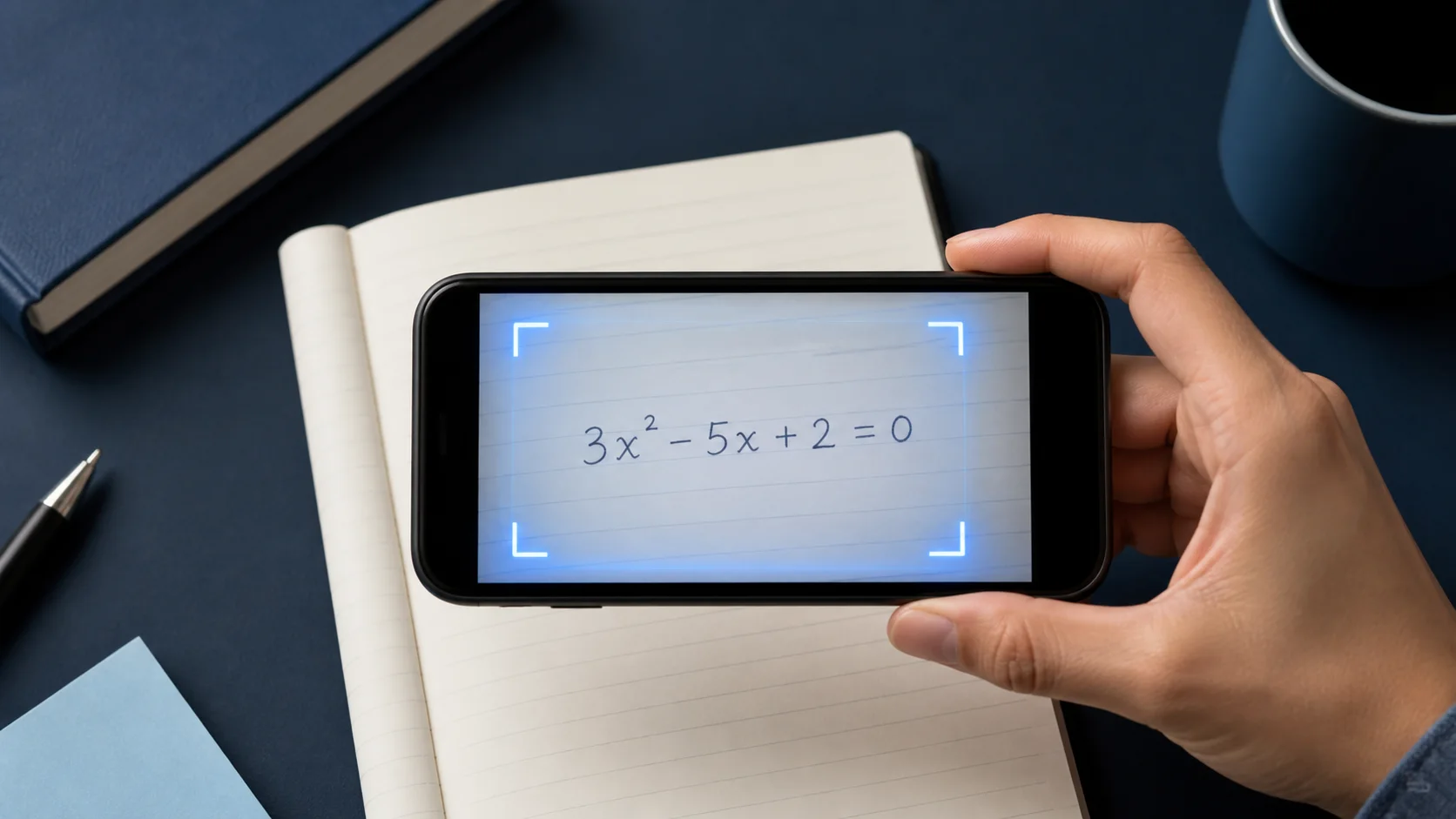
Luồng thực tế từ chụp ảnh đến lời giải từng bước dễ đọc.
Đọc hướng dẫn →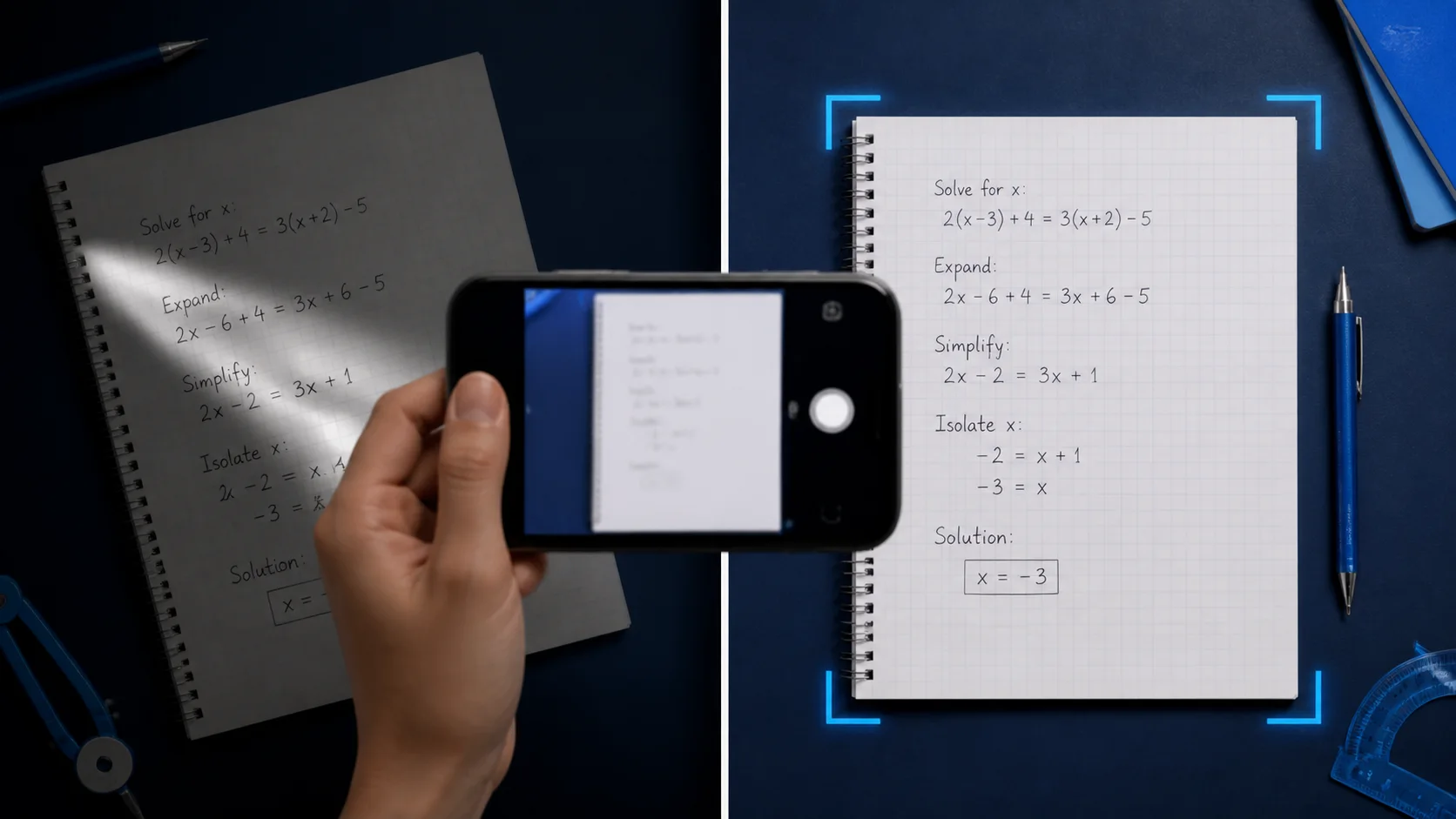
Thói quen ánh sáng, khung hình và chữ viết giảm đọc sai.
Đọc hướng dẫn →
Biến mỗi lời giải thành bài học nhỏ thay vì đáp án thiếu giải thích.
Đọc hướng dẫn →Good to know
Về tính năng làm gì, khi nào phù hợp, và cách dùng có trách nhiệm
Có. Với Scan & Solve bạn có thể chụp ảnh bài toán và nhận lời giải thích từng bước trong ứng dụng Eqora trên iOS.
Nhiều bài viết tay vẫn được hỗ trợ khi chữ rõ và toàn bộ câu hỏi hiện đủ. Ảnh mờ, bị cắt, hoặc tương phản thấp sẽ làm giảm chất lượng.
Không. Hiện Eqora chỉ có trên thiết bị iPhone và iPad tương thích qua App Store của Apple.
Có. Sau khi giải xong bạn có thể tiếp tục trong chat gia sư toán AI, yêu cầu cách giải thích khác, hoặc tạo công cụ học như câu đố và thẻ ghi nhớ.