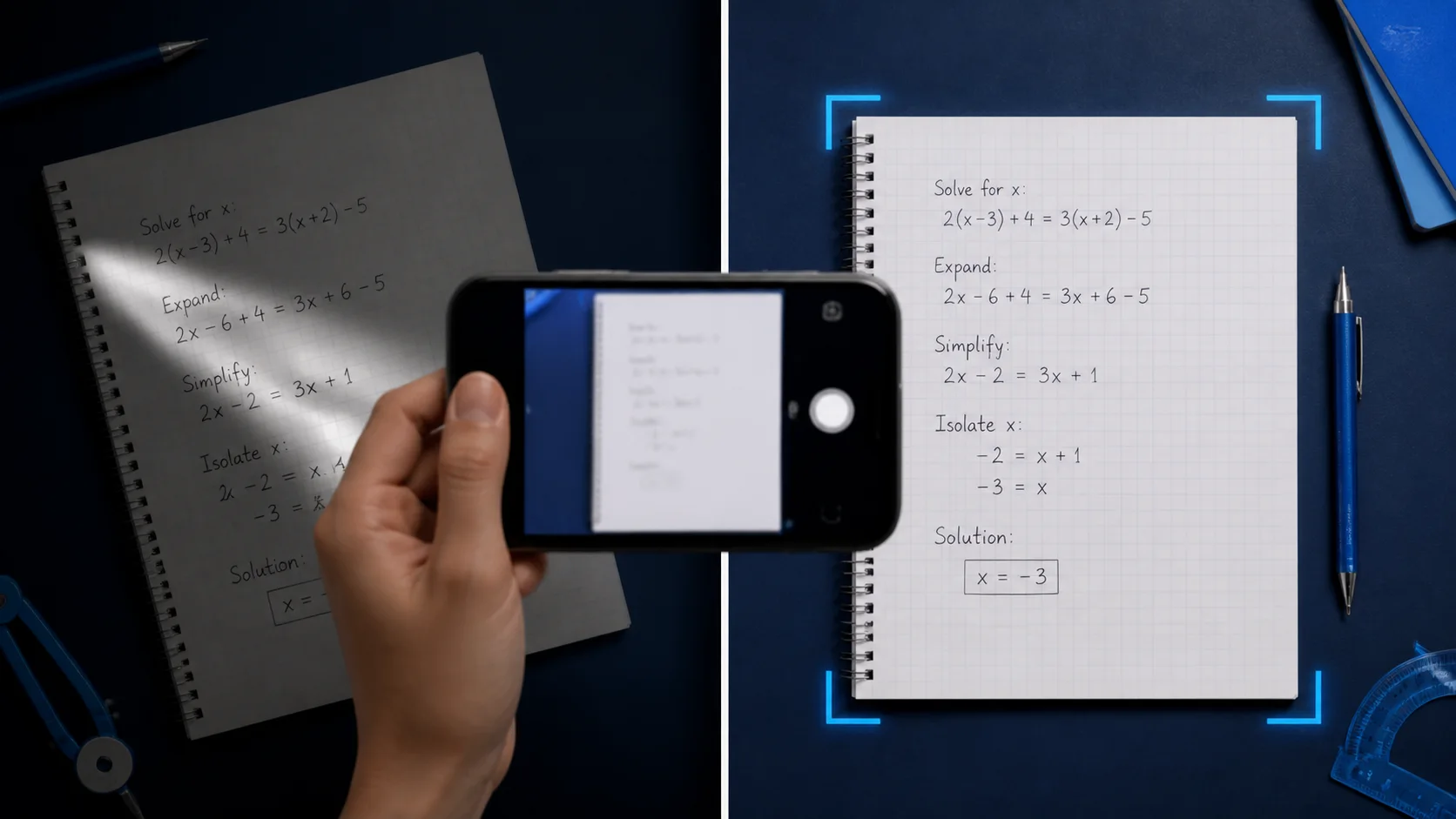
Capture the problem
Photograph the equation or word problem so the full question is sharp and readable.
使用方法
Photograph the equation or word problem so the full question is sharp and readable.
Frame the exact problem you want help with so Eqora focuses on the right question.
Read the method, ask a follow-up, and keep going until the approach makes sense.
Students often need help with a printed worksheet, a notebook page, or a textbook exercise. Eqora’s Scan & Solve flow is designed for that moment: open the camera, capture the problem, and get a guided explanation instead of only a final number.
Use it when you are stuck mid-assignment, checking your work before class, or reviewing a problem set before a quiz.
The clearest results come from photos where the full problem is visible, the writing is sharp, and glare does not wash out the page. Hold the phone steady, fill the frame with the question, and avoid heavy shadows across the numbers.
Treat the answer as a learning aid. Double-check units, signs, and whether the prompt asked for exact form, simplified form, or a rounded value.
A strong study habit is to read every step, then explain the method in your own words. If a step is unclear, ask Eqora a follow-up or create a short quiz from the same topic.
Scan & Solve is most powerful when it helps you finish homework faster and remember the method for the next exam—not when it replaces your own practice.
Eqora 是造型准备与视觉预览工具。AI 生成结果可能存在差异,不构成效果保证,也不能代替医疗、生物识别或专业评估。
实用信息
Yes. Scan & Solve lets you photograph a math problem and receive a step-by-step explanation in the Eqora iOS app.
It can help with many handwritten problems when the writing is clear and the full question is visible. Messy, cropped, or low-contrast photos reduce quality.
No. Eqora is currently distributed only through Apple’s App Store for compatible iPhone and iPad devices.
Yes. After a solve, you can continue in the AI tutor chat, request another explanation, or create study tools such as quizzes and flashcards.