
Scan & Solve · Eqora 指南
如何用 Eqora 扫描数学题
从清晰拍照到获得可靠分步解答的实用方法。
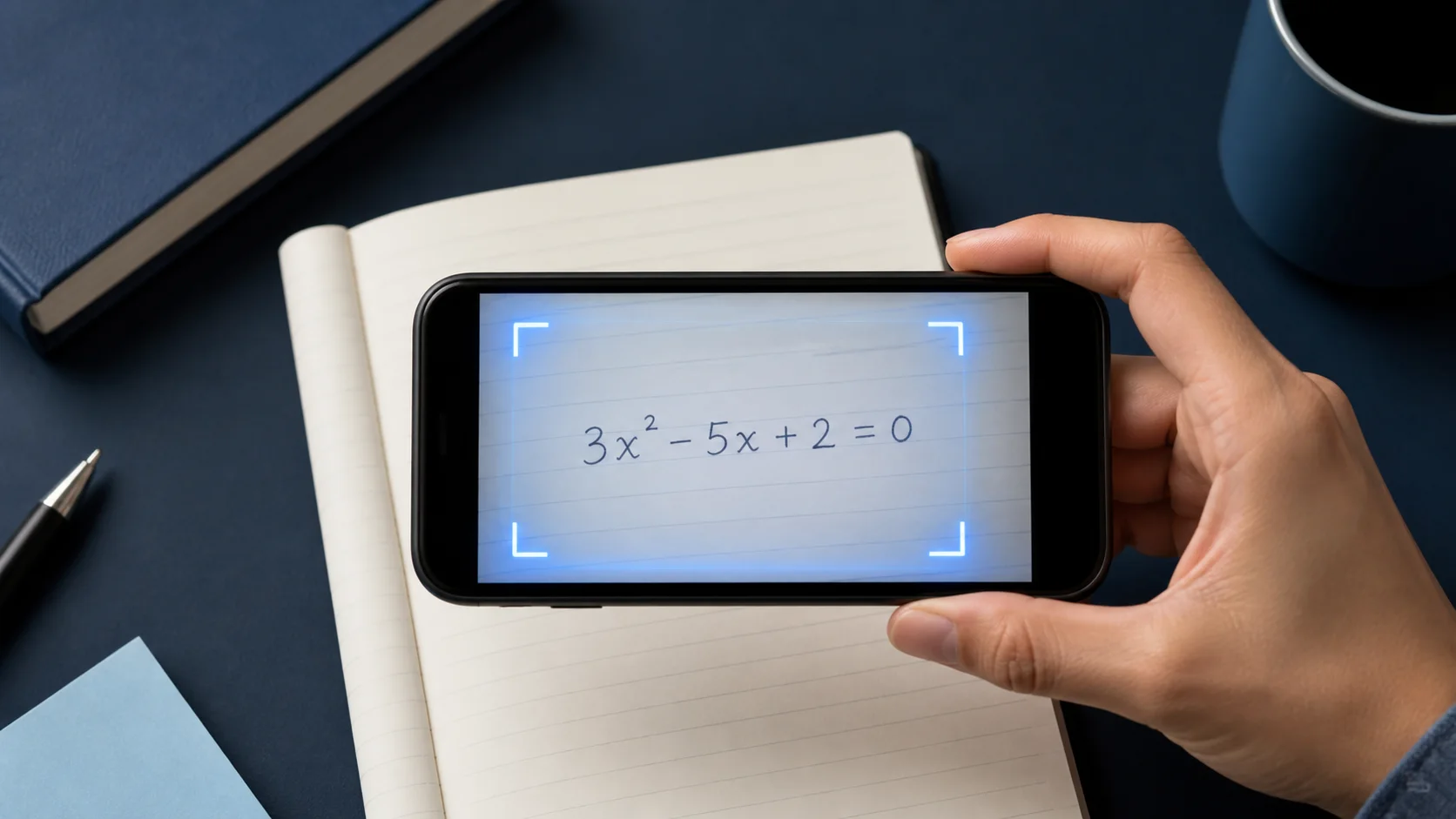
当照片里已经包含完整、可读的题目时,Scan & Solve 最快。本指南带你养成能产出更清晰讲解的拍摄习惯。


1. 框住整道题
把题干的每一部分都拍进去:方程、已知量,以及「化简」或「保留两位小数」等要求。
如果一页有多道题,裁切到你正在做的那一道。
2. 保持清晰、光线均匀
稳住手机,避免运动模糊,并注意光滑课本页上的反光。
指数或分数上的浓重阴影,常常是误读的原因。
- 让题目充满画面
- 用均匀光线,避免反光
- 裁掉无关题目
3. 先核对,再追问
像听家教讲解一样阅读解答。若某一步跳得太快,请 Eqora 展开该行,或展示另一种方法。
做完后,先自己试下一道类似题,再扫描。
4. 读解答前先核对符号
把识别出的题目与纸面逐行对照。仔细看负号、小数点、指数、分数线、绝对值记号、根号、不等号与括号。一个小的识别错误,可能让 AI 对错题给出一套看起来自洽的解答。
对手写作业,让视觉层次明显。指数明显抬高,分数线横跨整个分子分母,括号闭合,相邻符号留空。重拍通常比顺着误读符号一路改下去更快。
- 检查每个已知量与要求的单位
- 确认运算与不等号
- 对照指数、下标、根号与分数结构
- 确保指令完整:无论是求解、化简、证明还是估计
5. 为应用题与图形保留上下文
应用题不只是最终方程。包含定义变量的句子、约束,以及正在问的问题。裁得太紧只围住数字,可能删掉选择模型或解释答案所需的信息。
对几何、统计或函数图像题,请确保标签和图例清晰可读。如果图形与题干分开,尽量在同一张清晰照片中拍全。无法同时拍摄时,先在 AI 导师对话中补充缺失关系。
6. 扫描效果不好时,有条理地重试
若结果看起来不对,不要反复发送同一张图。找出最早的不匹配,改变一个拍摄条件,再试一次。移到均匀光线,让相机与纸面平行,去掉周围题目,并把纸放在干净表面上以提高对比度。
如果题目识别正确,但推理仍有问题,请保留当前题目并要求检查有疑问的那一行。把识别错误和推理错误分开判断,既能更快解决问题,也方便向支持团队准确反馈。
记号错了就重拍。记号对但推理不清时,就追问。
现在就付诸实践
从今天的作业或复习清单里选一道题。打开 Eqora 之前先自己试,只在自己的思路停住的地方再用 App。
- 动手前先说出题目要求什么
- 指出你说不出理由的第一步
- 就这一步向 Eqora 提出清晰追问
- 用不看解答的相似题收尾
学习流程不是因为纸上有了答案才完成,而是因为方法变得更清楚了。