
Scan & Solve · Eqora-guide
Hur du skannar matteuppgifter med Eqora
En praktisk arbetsgång från kamerabild till en läsbar steg-för-steg-lösning.
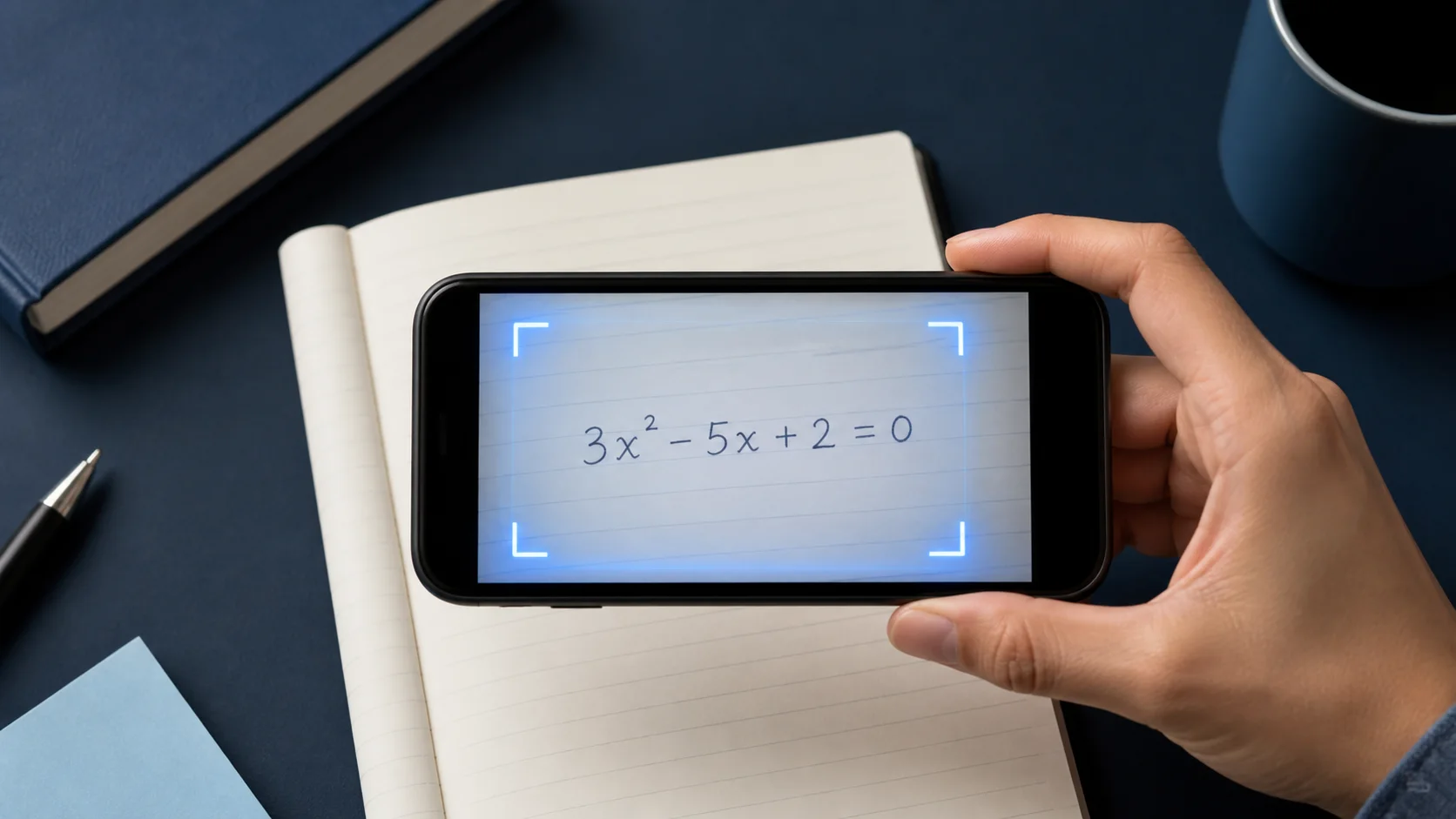
Scan & Solve går snabbast när bilden redan innehåller en komplett, läsbar fråga. Den här guiden går igenom fotovanan som ger tydligare förklaringar.


1. Ramma in hela uppgiften
Inkludera varje del av uppgiften: ekvationen, givna värden och eventuell instruktion som ”förenkla” eller ”avrunda till två decimaler”.
Om sidan har flera uppgifter, beskär till den du arbetar med.
2. Håll sidan skarp och jämnt belyst
Håll telefonen stadigt, undvik rörelseoskärpa och se upp för blänk på glansiga lärobokssidor.
Mörka skuggor över exponenter eller bråk är en vanlig orsak till feltolkningar.
- Fyll bildrutan med uppgiften
- Använd jämnt ljus utan blänk
- Beskär bort orelaterade uppgifter
3. Granska och ställ följdfrågor
Läs lösningen som en tutor skulle förklara den. Om ett steg hoppar, be Eqora utveckla den raden eller visa en annan metod.
När du är klar, försök nästa liknande uppgift själv innan du skannar igen.
4. Granska notationen innan du läser lösningen
Jämför den fångade uppgiften rad för rad med sidan. Titta noga på minustecken, decimaler, exponenter, bråkstreck, absolutvärdetecken, rötter, olikhetstecken och parenteser. Ett litet igenkänningsfel kan ge en helt sammanhängande lösning på fel uppgift.
För handskrivet arbete, gör den visuella hierarkin tydlig. Höj exponenter tydligt, dra bråkstreck över hela täljare och nämnare, stäng parenteser och lämna mellanrum mellan intilliggande symboler. Att ta om bilden går snabbare än att felsöka flera efterföljande steg orsakade av ett tvetydigt tecken.
- Kontrollera varje givet värde och begärd enhet
- Bekräfta operations- och olikhetstecken
- Jämför exponenter, index, rötter och bråkstruktur
- Se till att hela instruktionen ingår, oavsett om du ska lösa, förenkla, bevisa eller uppskatta
5. Behåll kontext för textuppgifter och diagram
En textuppgift är mer än den slutliga ekvationen. Inkludera meningen som definierar variablerna, begränsningarna och frågan som ställs. Att beskära för hårt kring siffrorna kan ta bort informationen som behövs för att välja modell eller tolka svaret.
Håll hela uppgiften, axlar, etiketter, skala, teckenförklaring och markerade punkter läsbara. När diagrammet inte får plats tydligt i en bild, skriv den saknade relationen i samtalet innan du ber om nästa steg.
6. Återställ metodiskt efter en dålig skanning
Om resultatet ser fel ut, skicka inte samma bild om och om igen. Identifiera den tidigaste avvikelsen, ändra ett fotovillkor och försök en gång till. Gå till jämnt ljus, håll kameran parallellt med sidan, ta bort omgivande uppgifter och öka kontrasten genom att lägga papperet på en plan yta.
När den fångade uppgiften är korrekt men resonemanget fortfarande verkar fel, behåll indata och be om kontroll av den omtvistade raden. Att skilja indataproblem från resonemangsproblem gör felsökning snabbare och ger en tydligare supportrapport om problemet kvarstår.
Ta om bilden när notationen är fel. Ställ en följdfråga när notationen är rätt men resonemanget är oklart.
Sätt det i praktiken nu
Välj ett problem från dina aktuella läxor eller repetitionslistan. Prova själv innan du öppnar Eqora och använd appen först där ditt eget resonemang tar slut.
- Säg vad uppgiften frågar efter innan du börjar lösa
- Identifiera det första steget du inte kan försvara
- Ställ en konkret följdfråga till Eqora om just det steget
- Avsluta med ett liknande problem utan lösningen i sikte
Studierundan är klar när metoden är tydligare, inte bara när arket har ett svar till.