
Scan & Solve · Eqora 指南
如何用 Eqora 掃描數學題
從清晰拍照到獲得可靠分步解答的實用方法。
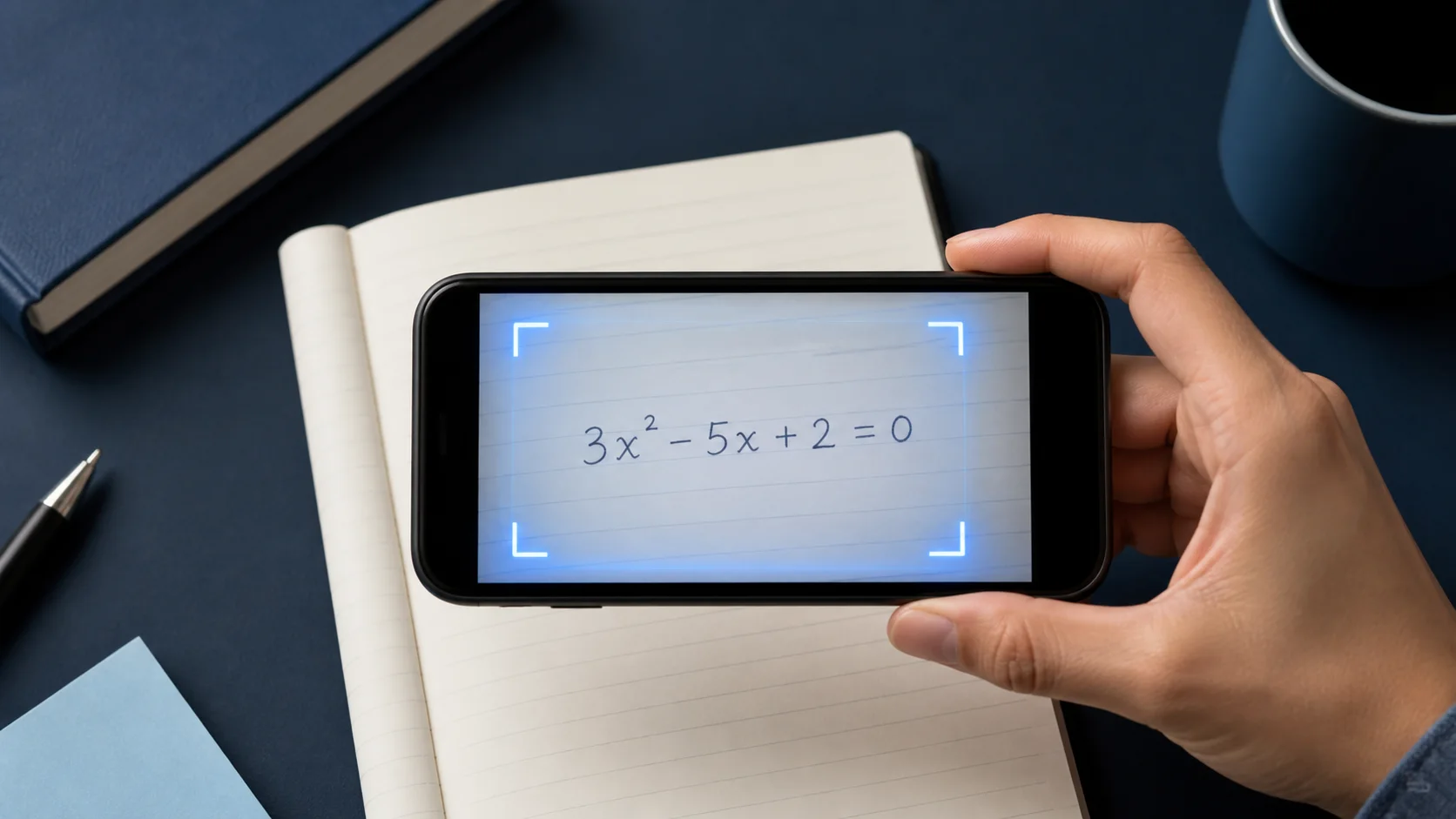
當照片裡已經包含完整、可讀的題目時,Scan & Solve 最快。本指南帶你養成能產出更清晰講解的拍攝習慣。


1. 框住整道題
把題幹的每一部分都拍進去:方程式、已知量,以及「化簡」或「保留兩位小數」等要求。
如果一頁有多道題,裁切到你正在做的那一道。
2. 保持清晰、光線均勻
穩住手機,避免運動模糊,並注意光滑課本頁上的反光。
指數或分數上的濃重陰影,常常是誤讀的原因。
- 讓題目充滿畫面
- 用均勻光線,避免反光
- 裁掉無關題目
3. 先核對,再追問
把解答當成家教講解來讀。若某一步跳得太快,請 Eqora 展開該行,或展示另一種方法。
做完後,先自己試下一道類似題,再掃描。
4. 讀解答前先核對符號
把辨識出的題目與紙面逐行對照。仔細看負號、小數點、指數、分數線、絕對值記號、根號、不等號與括號。一個小的辨識錯誤,可能讓 AI 對錯題給出一套看起來自洽的解答。
對手寫作業,讓視覺層次明顯。指數明顯抬高,分數線橫跨整個分子分母,括號閉合,相鄰符號留空。重拍通常比順著誤讀符號一路改下去更快。
- 檢查每個已知量與要求的單位
- 確認運算與不等號
- 對照指數、下標、根號與分數結構
- 確保指令完整:無論是求解、化簡、證明還是估計
5. 為應用題與圖形保留上下文
應用題不只是最終方程式。包含定義變數的句子、約束,以及正在問的問題。裁得太緊只圍住數字,可能刪掉選擇模型或解釋答案所需的資訊。
對幾何、統計或函數圖形題,請確保標籤和圖例清晰可讀。如果圖形與題幹分開,盡量在同一張清晰照片中拍全。無法同時拍攝時,先在 AI 導師對話中補充缺失關係。
6. 掃描效果不好時,有條理地重試
若結果看起來不對,不要反覆傳送同一張圖。找出最早的不匹配,改變一個拍攝條件,再試一次。移到均勻光線,讓相機與紙面平行,去掉周圍題目,並把紙放在乾淨表面上以提高對比度。
如果題目辨識正確,但推理仍有問題,請保留目前題目並要求檢查有疑問的那一行。把辨識錯誤和推理錯誤分開判斷,既能更快解決問題,也方便向支援團隊準確回饋。
記號錯了就重拍。記號對但推理不清時,就追問。
現在就付諸實踐
從今天的作業或複習清單裡選一道題。開啟 Eqora 之前先自己試,只在自己的思路停住的地方再用 App。
- 動手前先說出題目要求什麼
- 指出你說不出理由的第一步
- 就這一步向 Eqora 提出清晰追問
- 用不看解答的相似題收尾
學習流程不是因為紙上有了答案才完成,而是因為方法變得更清楚了。