
Scan & Solve · Guia do Eqora
Como escanear problemas de matemática com o Eqora
Um guia prático para tirar uma boa foto e receber uma resolução passo a passo fácil de acompanhar.
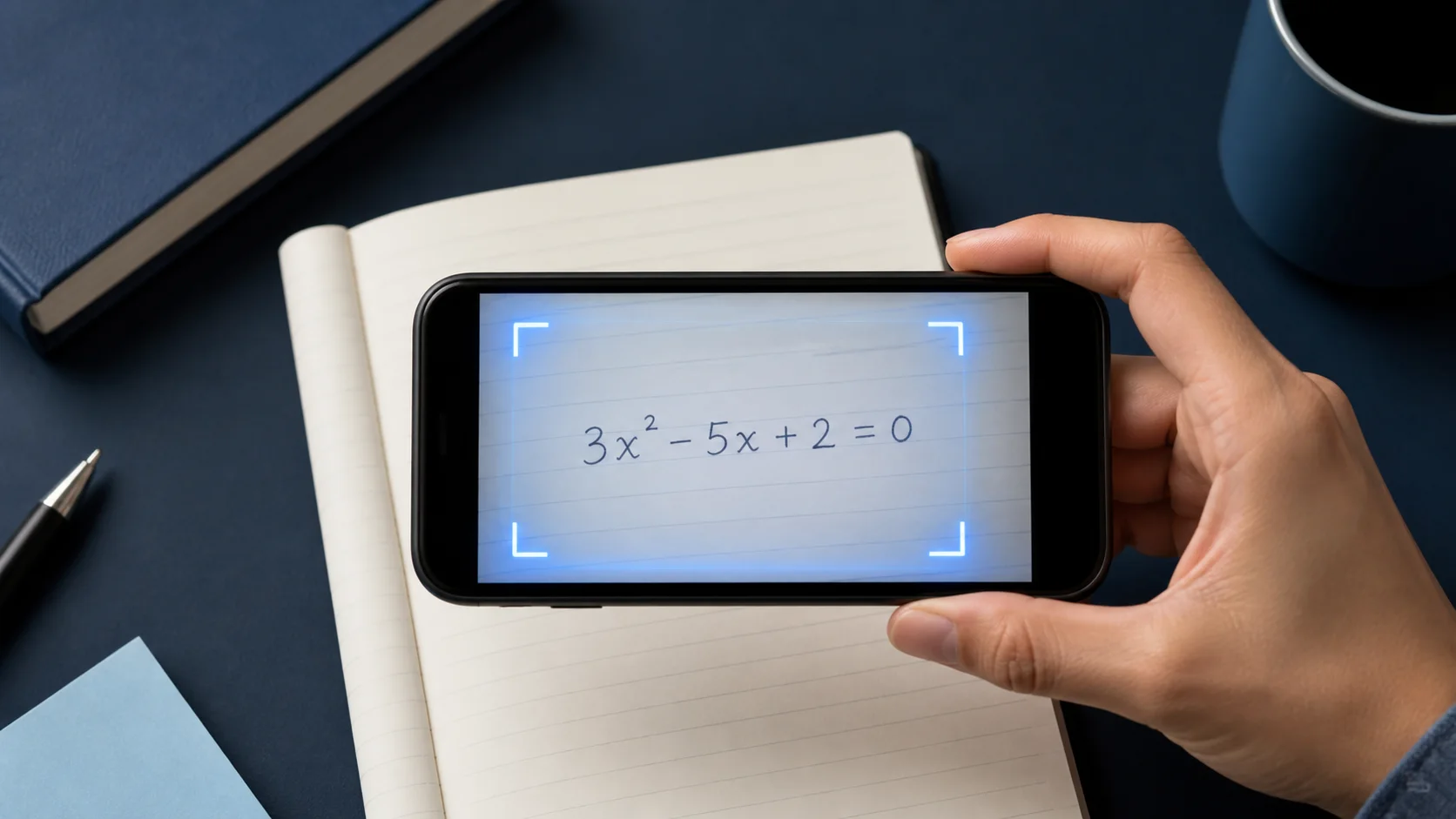
O Scan & Solve é mais rápido quando a foto já contém uma pergunta completa e legível. Este guia mostra o hábito de captura que produz explicações mais claras.


1. Enquadre o problema completo
Inclua todas as partes do enunciado: a equação, os valores fornecidos e instruções como “simplifique” ou “arredonde para duas casas decimais”.
Se a página tiver vários exercícios, recorte só o que você está trabalhando.
2. Mantenha a página nítida e bem iluminada
Segure o celular com firmeza, evite fotos tremidas e fique atento aos reflexos nas páginas do livro.
Sombras escuras sobre expoentes ou frações são uma causa comum de leituras erradas.
- Preencha o enquadramento com o problema
- Use luz uniforme sem brilho
- Recorte exercícios que não importam
3. Revise e depois faça perguntas de acompanhamento
Leia a solução como um tutor explicaria. Se um passo pular, peça ao Eqora para expandir aquela linha ou mostrar outro método.
Quando terminar, tente o próximo problema parecido sozinho antes de escanear de novo.
4. Audite a notação antes de ler a solução
Compare o exercício reconhecido com a página linha por linha. Observe sinais de menos, separadores decimais, expoentes, barras de fração, módulos, raízes, símbolos de desigualdade e parênteses. Um pequeno erro de leitura pode gerar uma solução coerente para o problema errado.
Em trabalho manuscrito, torne a hierarquia visual óbvia. Eleve expoentes com clareza, estenda barras de fração por todo o numerador e o denominador, feche parênteses e deixe espaço entre símbolos adjacentes. Tirar a imagem de novo é mais rápido do que depurar vários passos posteriores causados por um caractere ambíguo.
- Confira cada valor dado e a unidade pedida
- Confirme a operação e os sinais de desigualdade
- Compare expoentes, índices, raízes e a estrutura das frações
- Garanta que a instrução completa esteja incluída, seja resolver, simplificar, demonstrar ou estimar
5. Preserve o contexto em problemas contextualizados e diagramas
Um problema contextualizado é mais do que a equação final. Inclua a frase que define as variáveis, as restrições e a pergunta que está sendo feita. Recortar demais em torno dos números pode eliminar a informação necessária para escolher um modelo ou interpretar a resposta.
Em perguntas de geometria, estatística ou gráficos, mantenha rótulos e legendas legíveis. Se um diagrama estiver separado do enunciado escrito, capture os dois em um único enquadramento nítido quando possível. Quando não for prático, digite a relação faltante no tutor antes de pedir o próximo passo.
6. Corrija uma leitura ruim de forma metódica
Se o resultado parecer errado, não envie a mesma imagem várias vezes. Encontre a primeira diferença, ajuste uma condição da foto e tente novamente. Procure uma luz uniforme, mantenha a câmera paralela à página, retire outros exercícios do enquadramento e aumente o contraste colocando o papel sobre uma superfície lisa.
Se o enunciado foi reconhecido corretamente, mas o raciocínio ainda parece errado, mantenha o exercício e peça a revisão da linha que gerou dúvida. Separar um erro de leitura de um erro de raciocínio agiliza o diagnóstico e ajuda a descrever o caso ao suporte, se necessário.
Tire a foto de novo quando a notação estiver errada. Faça uma pergunta de acompanhamento quando a notação estiver certa, mas o raciocínio não estiver claro.
Leve à prática agora
Escolha um problema da sua lição de casa atual ou da sua lista de revisão. Tente antes de abrir o Eqora e use o app só no ponto em que o seu próprio raciocínio termina.
- Diga o que o problema pede antes de resolver
- Identifique o primeiro passo que você não consegue justificar
- Faça ao Eqora uma pergunta concreta de acompanhamento sobre esse passo
- Feche com um problema parecido sem a solução à vista
A sessão de estudo termina quando o método ficou mais claro, não apenas quando a folha tem mais uma resposta.