
Scan & solve · Eqora guide
How to scan math problems with Eqora
A practical workflow from camera capture to a readable step-by-step solution.
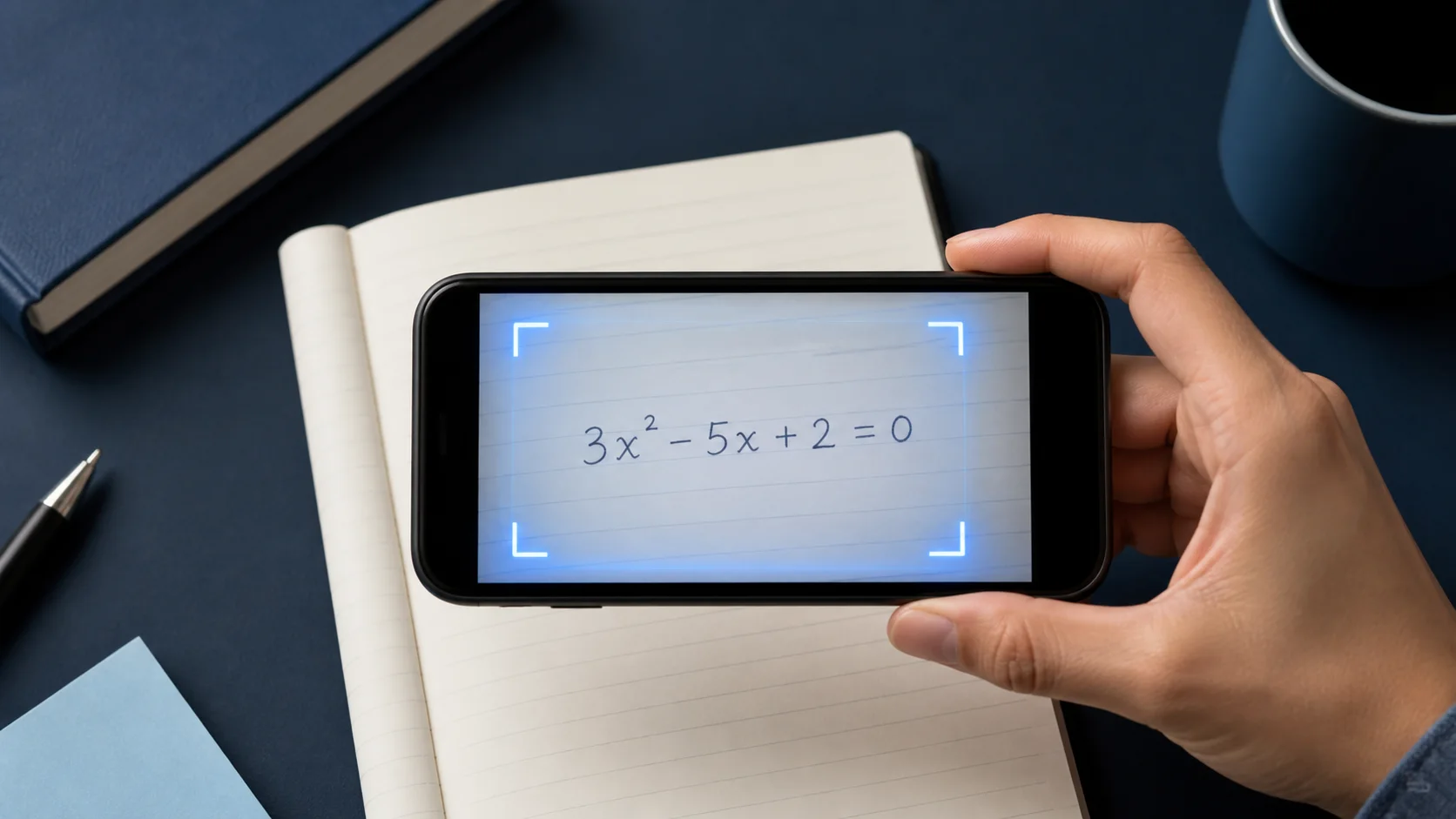
Scan & Solve is fastest when the photo already contains a complete, readable question. This guide walks through the capture habit that produces clearer explanations.


1. Frame the full problem
Include every part of the prompt: the equation, given values, and any instruction such as “simplify” or “round to two decimals.”
If the page has multiple exercises, crop to the one you are working on.
2. Keep the page sharp and evenly lit
Hold the phone steady, avoid motion blur, and watch for glare on glossy textbook pages.
Dark shadows across exponents or fractions are a common reason for misreads.
- Fill the frame with the problem
- Use even light without glare
- Crop away unrelated exercises
3. Review, then ask follow-ups
Read the solution as a tutor would explain it. If a step jumps, ask Eqora to expand that line or show another method.
When you finish, try the next similar problem yourself before scanning again.
4. Audit notation before reading the solution
Compare the captured problem with the page line by line. Look closely at minus signs, decimal points, exponents, fraction bars, absolute-value marks, roots, inequality symbols, and parentheses. One small recognition error can create a completely coherent solution to the wrong problem.
For handwritten work, make the visual hierarchy obvious. Raise exponents clearly, extend fraction bars across the full numerator and denominator, close parentheses, and leave space between adjacent symbols. Retaking the image is faster than debugging several downstream steps caused by an ambiguous character.
- Check every given value and requested unit
- Confirm the operation and inequality signs
- Compare exponents, indices, roots, and fraction structure
- Make sure the full instruction is included, whether it asks you to solve, simplify, prove, or estimate
5. Keep context for word problems and diagrams
A word problem is more than the final equation. Include the sentence that defines the variables, the constraints, and the question being asked. Cropping too tightly around the numbers can remove the information needed to choose a model or interpret the answer.
For geometry, statistics, or graph questions, keep labels and legends readable. If a diagram is separated from the written prompt, capture both in one sharp frame when possible. When that is not practical, type the missing relationship in the tutor before asking for the next step.
6. Recover methodically from a bad scan
If the result looks wrong, do not send the same image repeatedly. Identify the earliest mismatch, change one capture condition, and try once more. Move to even light, hold the camera parallel to the page, remove surrounding exercises, and increase contrast by placing the paper on a plain surface.
When the captured prompt is correct but the reasoning still appears wrong, keep the existing input and ask for a check of the disputed line. Keeping input problems separate from reasoning problems makes troubleshooting faster and produces a clearer support report if the issue continues.
Retake when the notation is wrong. Ask a follow-up when the notation is right but the reasoning is unclear.
Put it into practice now
Choose one problem from your current homework or review set. Attempt it before opening Eqora, then use the app only at the point where your own reasoning stops.
- State what the problem is asking before you solve it
- Identify the first step you cannot justify
- Ask Eqora one focused follow-up about that step
- Finish with a similar problem and no solution in view
The session is complete when the method is clearer, not simply when the worksheet has one more answer.